By using the insert marker tool in software, you can markup hotspot on a clickable image or pinpoint location on a map.
- Click Add Markers button
 in vertical toolbar
 - Select a marker icon or import icon image (in PNG, JPG format)
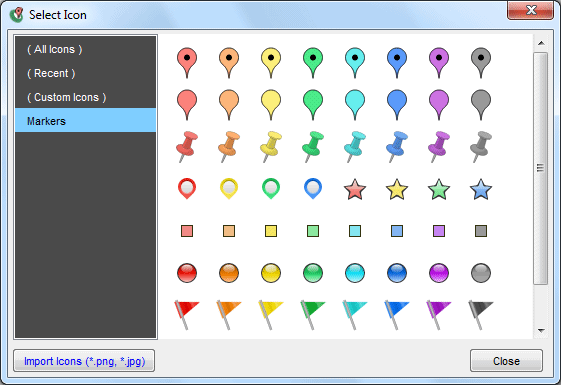
- Pinpoint location to add pin on the image
- Edit the marker in Marker Properties panel at the bottom of the iiCreator editor
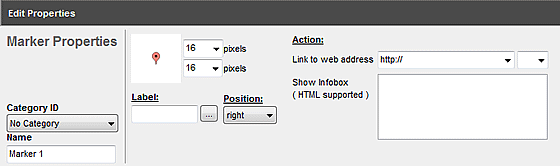
| Properties | Descriptions |
|---|---|
| Marker Icon |
|
| Category ID | Assign if categories or filters are needed |
| Width/ Height | Adjust width / height of the marker (pixels) * Width and height values should be the same |
| Label |
|
| Label Position | Choose position for the marker label |
| Link to web address |
|
| Show Infobox | - Insert content (e.g. text, image, video, table, etc.) to marker when - HTML code is supported If you are not familiar with coding, you could add use the rich text editor.
|
iiCreator Video Tutorial - Add Markers to Your Image
[ Back ]